This is my Every Day Lightroom preset. It’s a flexible multi-purpose preset designed to give your images a consistent starting style straight off the bat.
Soft, faded shadows. Warm, muted tone. Gentler, less saturated skies with haze retained giving a bright look. Helps colours shine. Built for everything from beautiful side light, overcast days, or harsh midday sun — it works for the conditions travel photography often happens in, where you don’t always get to choose.
I default add it to all of my images when they are imported into Lightroom, as I find this is the best way to quickly help filter out images that just don’t work - seeing my “style” across the frames just gives me that confirmation. From there, I’ll make further tweaks to the shots I really like, but I’m happy that the shots have a fantastic starting point.
The link will include two PDFs - an installation guide and one with legal usage term/licencing agreement stuff.
This is priced at less than a coffee and helps me keep doing what I do - your support is invaluable and it really is appreciated.
Please be aware, the link to download the preset expires 24hrs after purchase. If you have any issues with this, please email me separately I can re-send the download.
If you’re new to presets, the below may help answer some questions you might have:
What is a preset?
Saved Lightroom edit settings — tone, colour, contrast — that you apply to your own photos in one tap, then adjust to taste.
Why would I buy someone else's presets?
Some people want the specific look of a photographer whose work they follow. Others use presets as a shortcut to learn how a style is built. Both are perfectly acceptable reasons.
What's the actual look?
Soft, bright, minimal. Not heavily saturated, not moody, not strongly colour graded in any particular way. Built around natural light rather than a stylised filter effect.
What kind of photography is this suited to?
Travel and street photography, and general documentary-style work — images with people in them, or environments with some life to them. It’s very flexible.
Are these one-tap edits?
No — all presets require changes to at least exposure and white balance. They're a consistent starting point across a set of photos, not a finished look for every single frame regardless of lighting.
Do I need to already know how to edit?
Basic comfort with exposure, white balance, and the Lightroom interface is enough. You don't need to be advanced, but you do need to be willing to make small adjustments.
What gear were these built on?
Shot and edited using a Sony A7C II, but also tried on Canon files. They'll work with any camera's RAW files — colour response will vary slightly by camera brand, but the overall tonal approach carries across.
What software do I need?
Lightroom Classic, Lightroom (desktop), or Lightroom Mobile — all covered in the included install guide. A current, paid Adobe subscription is assumed; older or free-tier versions haven't been tested against these.
What file format do I get?
.xmp file, delivered in a zip along with an install guide and licence terms.
Can I tweak these and make them my own?
Yes, please do! It’s a really good way to understand the editing process.
What if I have a problem after buying?
Get in touch directly — hello@dannyclarke.photography or @dannyclarkephoto on Instagram. Digital downloads are non-refundable given they're accessible immediately, but genuine technical issues (bad file, expired link) will get sorted.
This is my Every Day Lightroom preset. It’s a flexible multi-purpose preset designed to give your images a consistent starting style straight off the bat.
Soft, faded shadows. Warm, muted tone. Gentler, less saturated skies with haze retained giving a bright look. Helps colours shine. Built for everything from beautiful side light, overcast days, or harsh midday sun — it works for the conditions travel photography often happens in, where you don’t always get to choose.
I default add it to all of my images when they are imported into Lightroom, as I find this is the best way to quickly help filter out images that just don’t work - seeing my “style” across the frames just gives me that confirmation. From there, I’ll make further tweaks to the shots I really like, but I’m happy that the shots have a fantastic starting point.
The link will include two PDFs - an installation guide and one with legal usage term/licencing agreement stuff.
This is priced at less than a coffee and helps me keep doing what I do - your support is invaluable and it really is appreciated.
Please be aware, the link to download the preset expires 24hrs after purchase. If you have any issues with this, please email me separately I can re-send the download.
If you’re new to presets, the below may help answer some questions you might have:
What is a preset?
Saved Lightroom edit settings — tone, colour, contrast — that you apply to your own photos in one tap, then adjust to taste.
Why would I buy someone else's presets?
Some people want the specific look of a photographer whose work they follow. Others use presets as a shortcut to learn how a style is built. Both are perfectly acceptable reasons.
What's the actual look?
Soft, bright, minimal. Not heavily saturated, not moody, not strongly colour graded in any particular way. Built around natural light rather than a stylised filter effect.
What kind of photography is this suited to?
Travel and street photography, and general documentary-style work — images with people in them, or environments with some life to them. It’s very flexible.
Are these one-tap edits?
No — all presets require changes to at least exposure and white balance. They're a consistent starting point across a set of photos, not a finished look for every single frame regardless of lighting.
Do I need to already know how to edit?
Basic comfort with exposure, white balance, and the Lightroom interface is enough. You don't need to be advanced, but you do need to be willing to make small adjustments.
What gear were these built on?
Shot and edited using a Sony A7C II, but also tried on Canon files. They'll work with any camera's RAW files — colour response will vary slightly by camera brand, but the overall tonal approach carries across.
What software do I need?
Lightroom Classic, Lightroom (desktop), or Lightroom Mobile — all covered in the included install guide. A current, paid Adobe subscription is assumed; older or free-tier versions haven't been tested against these.
What file format do I get?
.xmp file, delivered in a zip along with an install guide and licence terms.
Can I tweak these and make them my own?
Yes, please do! It’s a really good way to understand the editing process.
What if I have a problem after buying?
Get in touch directly — hello@dannyclarke.photography or @dannyclarkephoto on Instagram. Digital downloads are non-refundable given they're accessible immediately, but genuine technical issues (bad file, expired link) will get sorted.
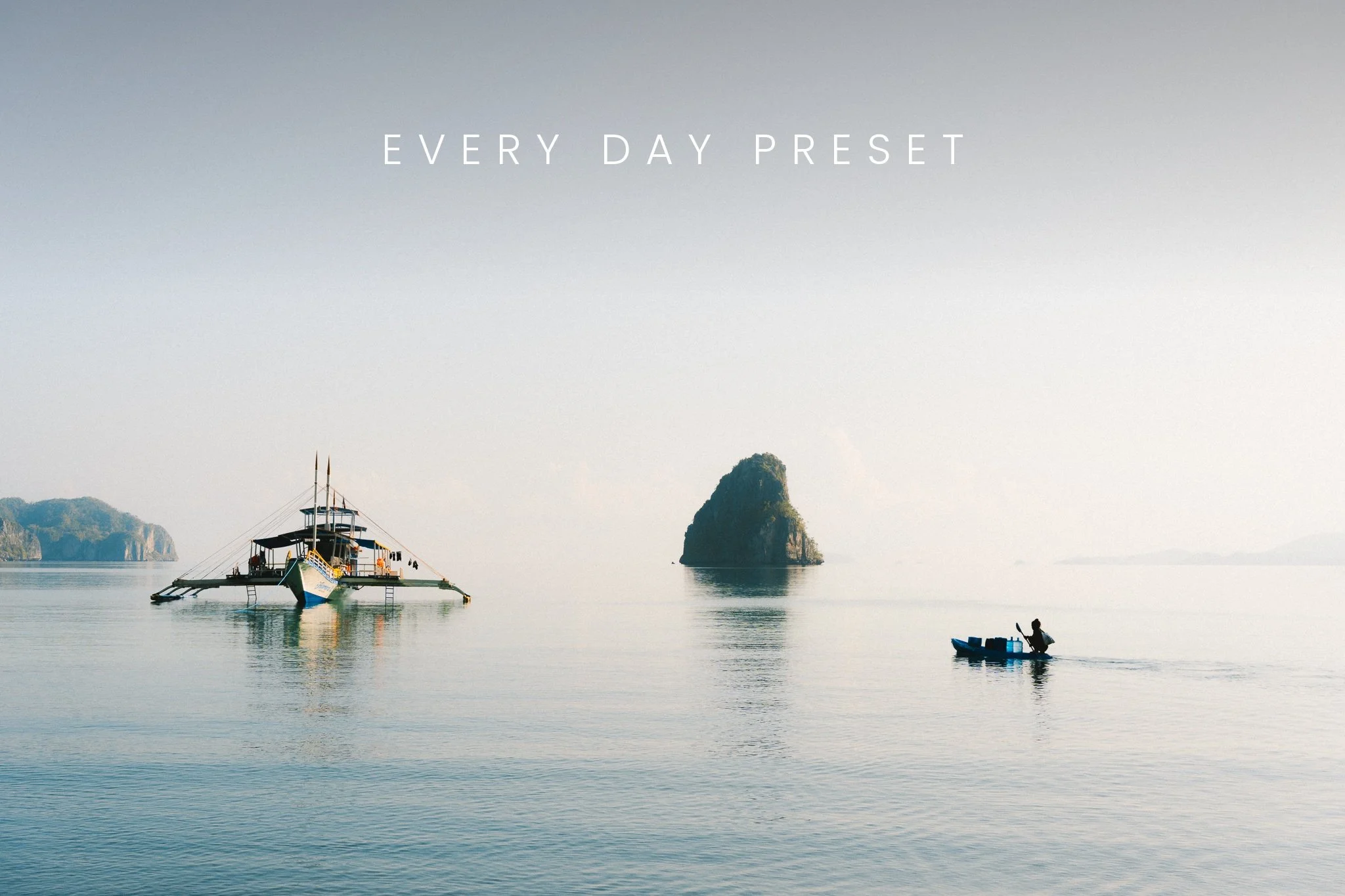 Image 1 of 13
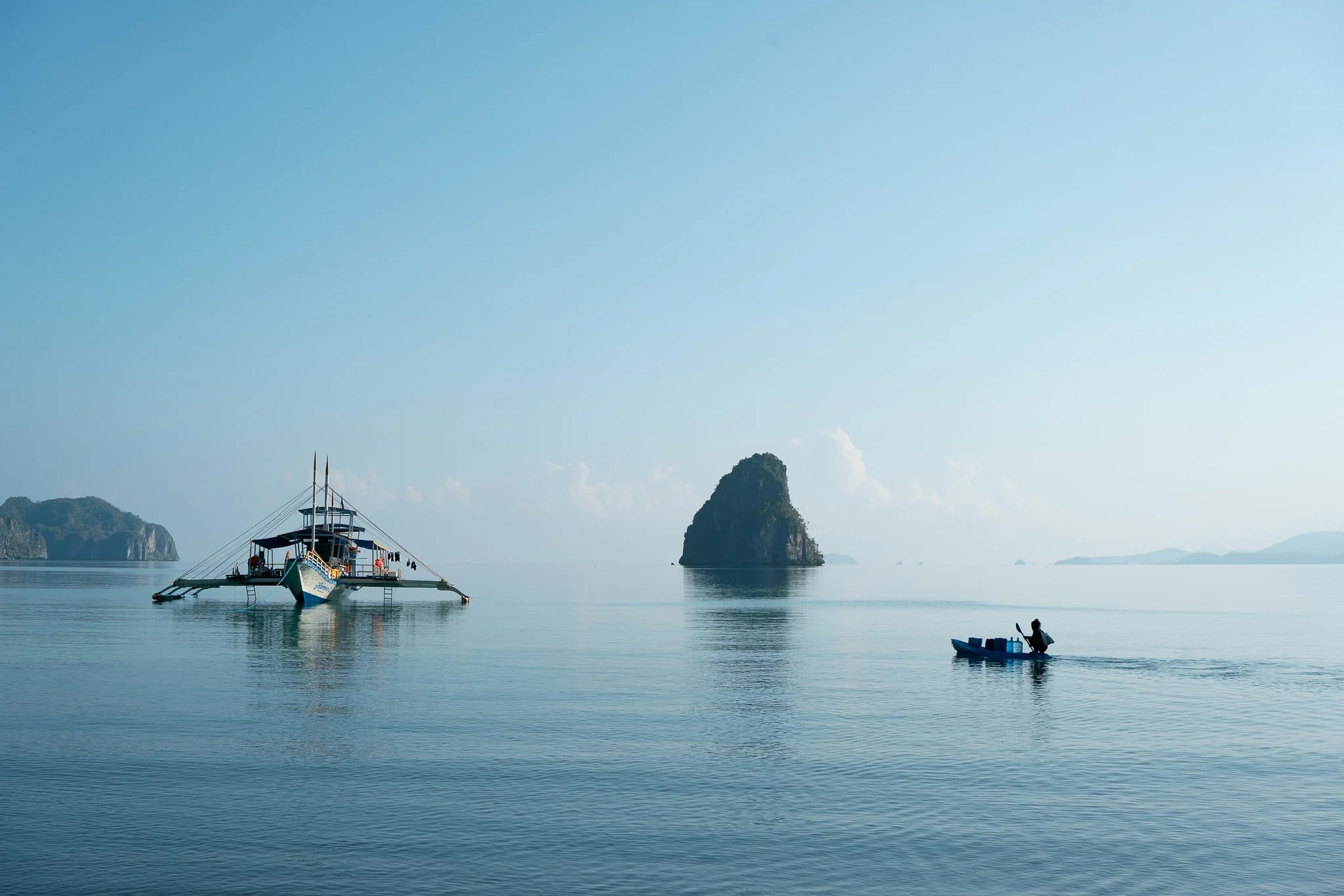 Image 2 of 13
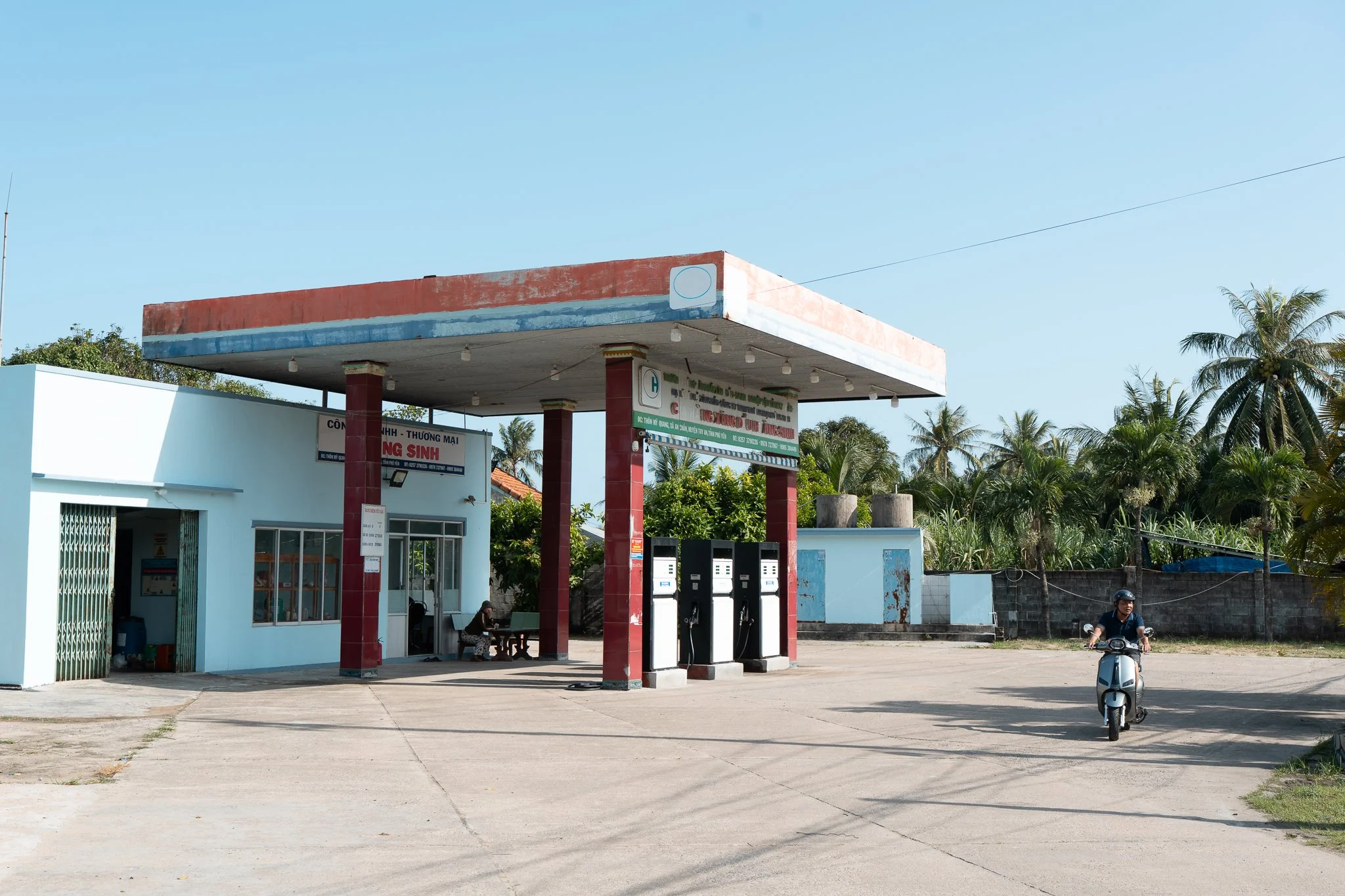 Image 3 of 13
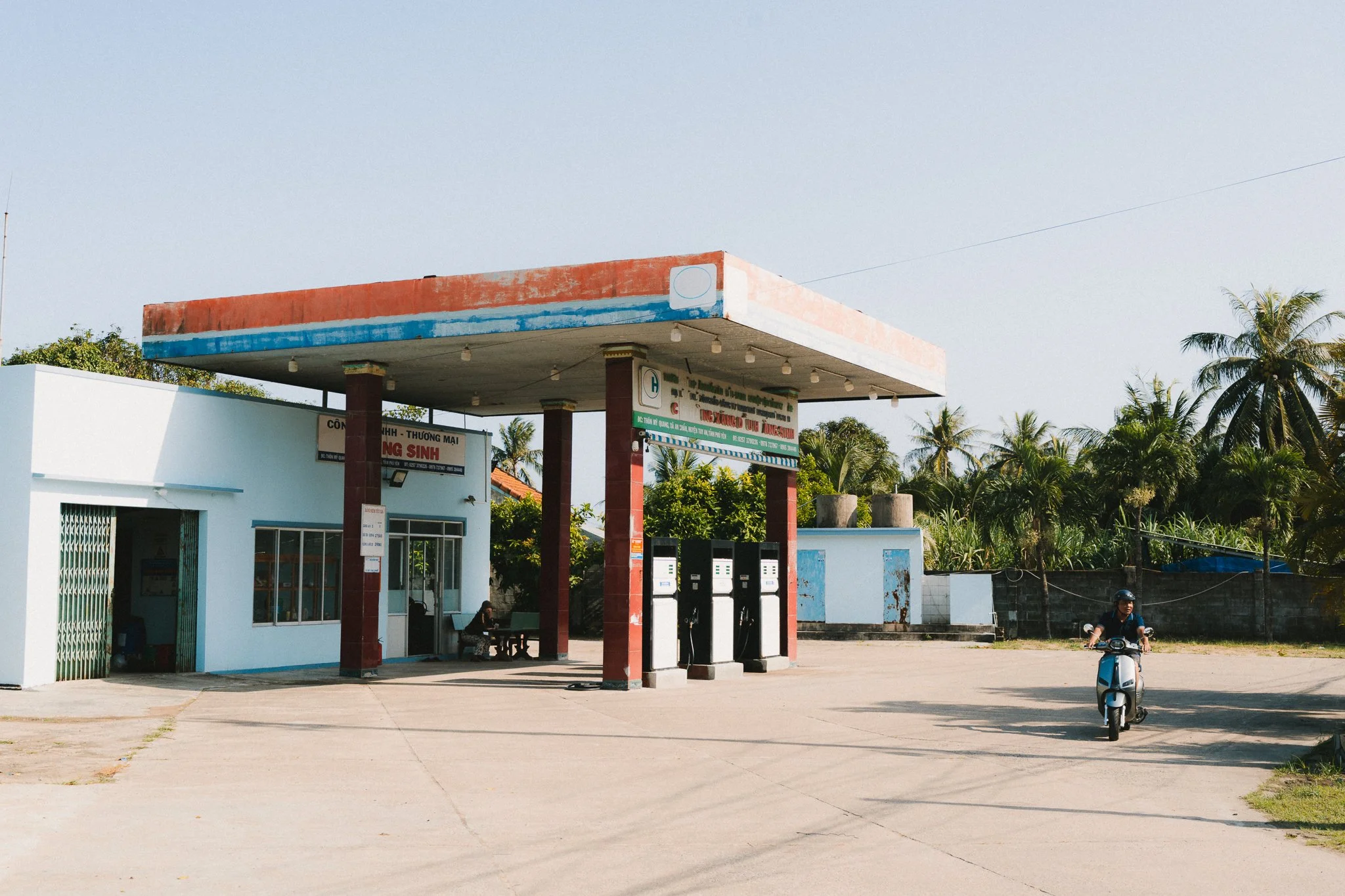 Image 4 of 13
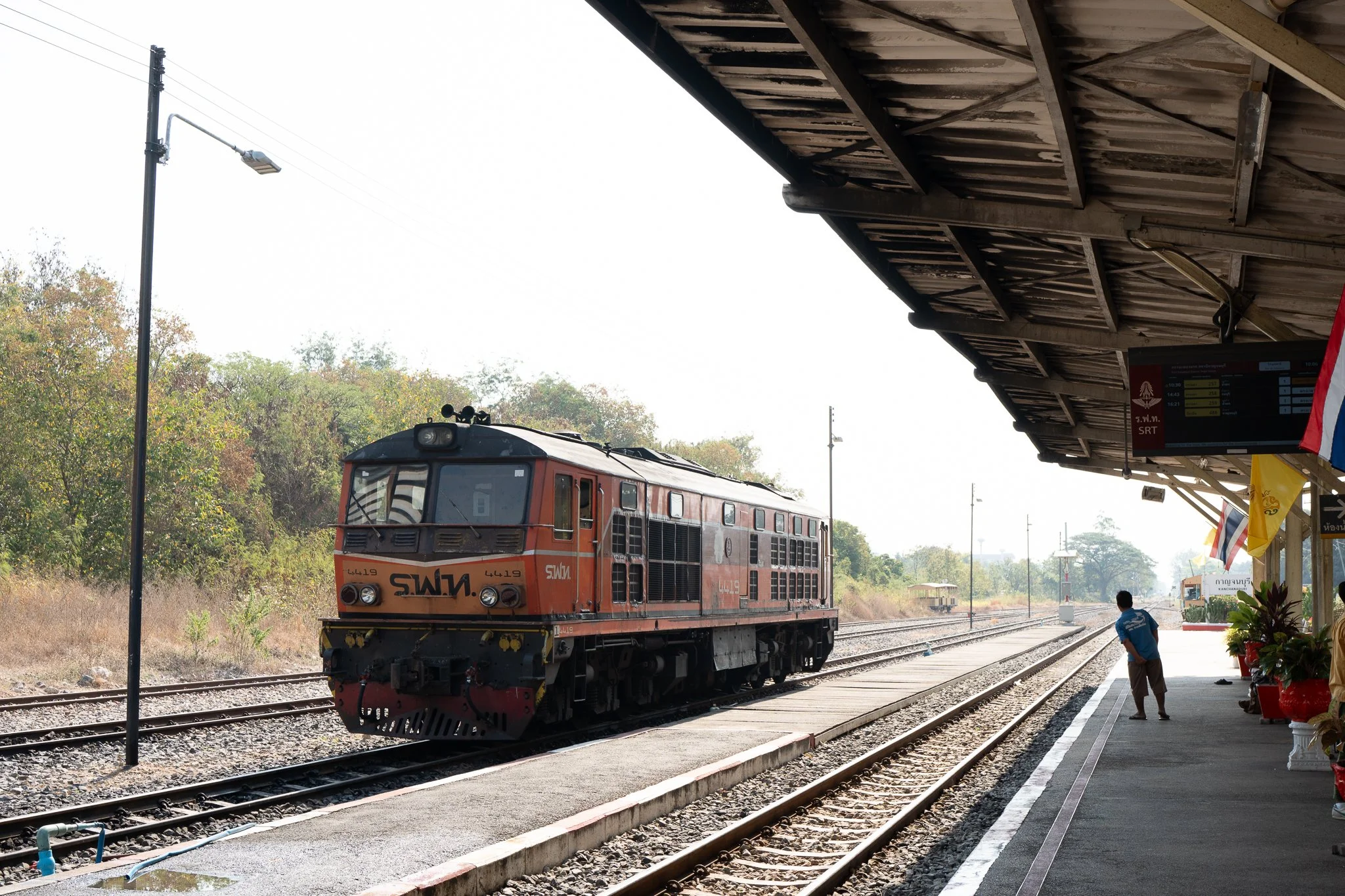 Image 5 of 13
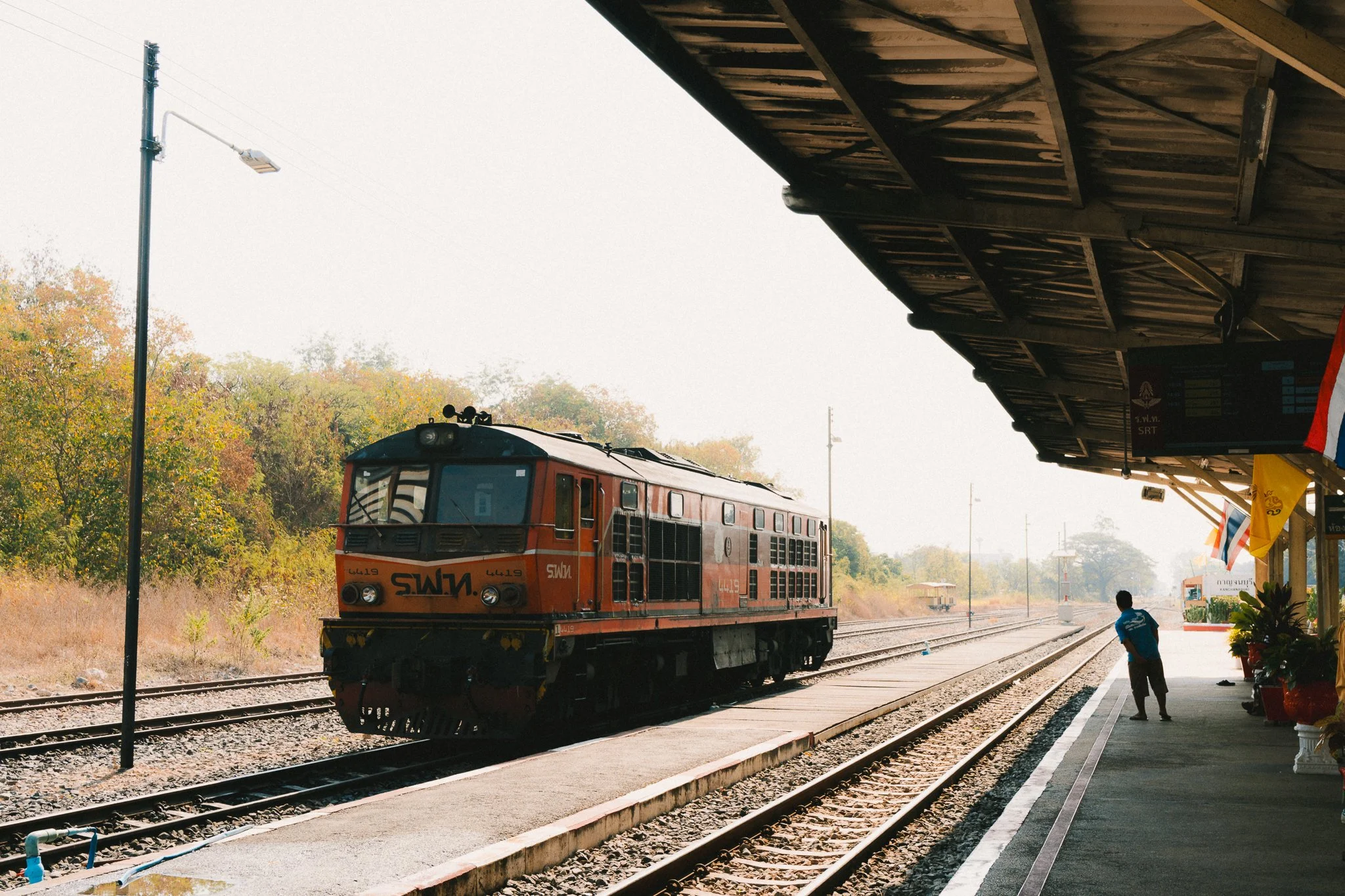 Image 6 of 13
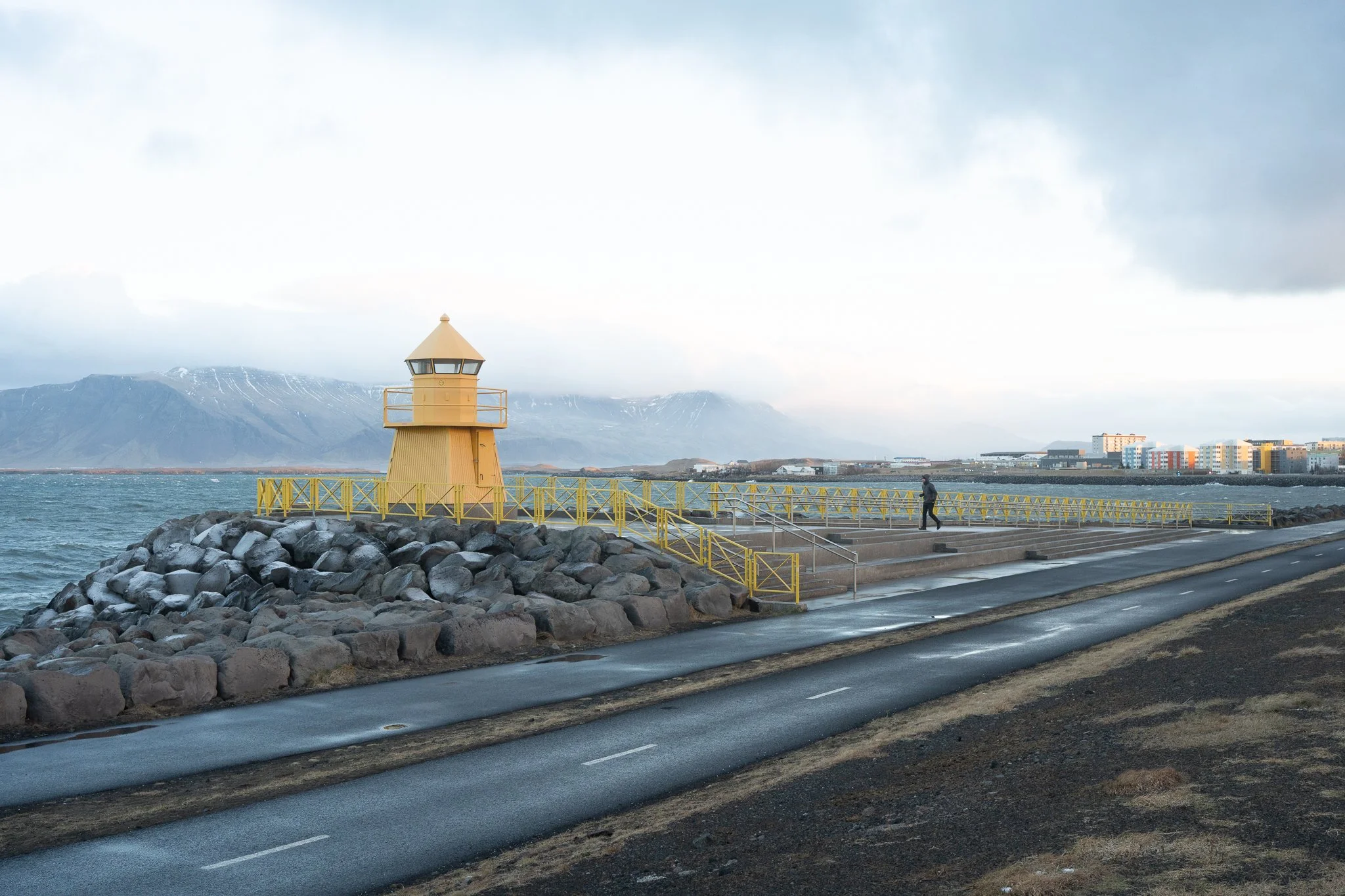 Image 7 of 13
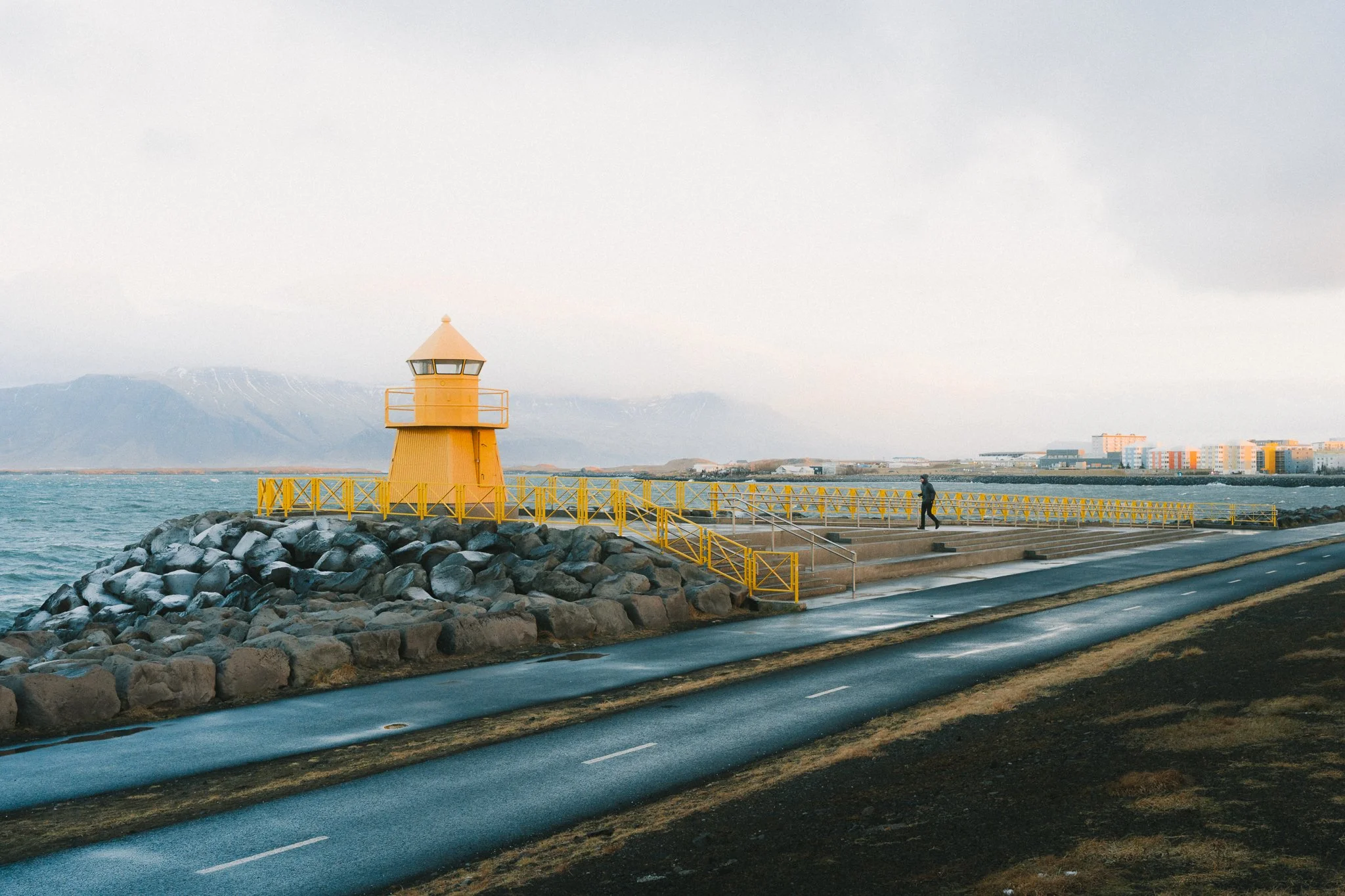 Image 8 of 13
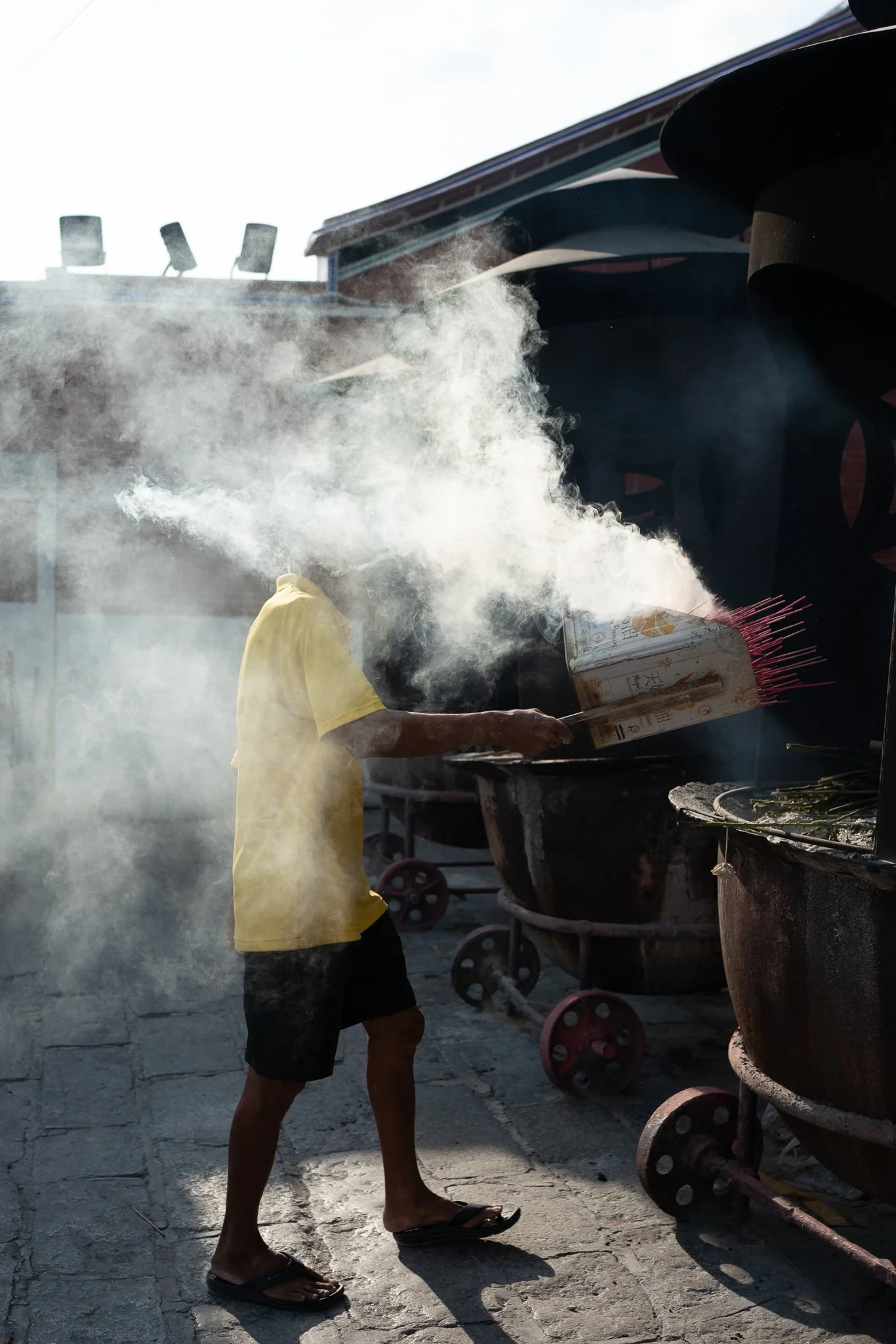 Image 9 of 13
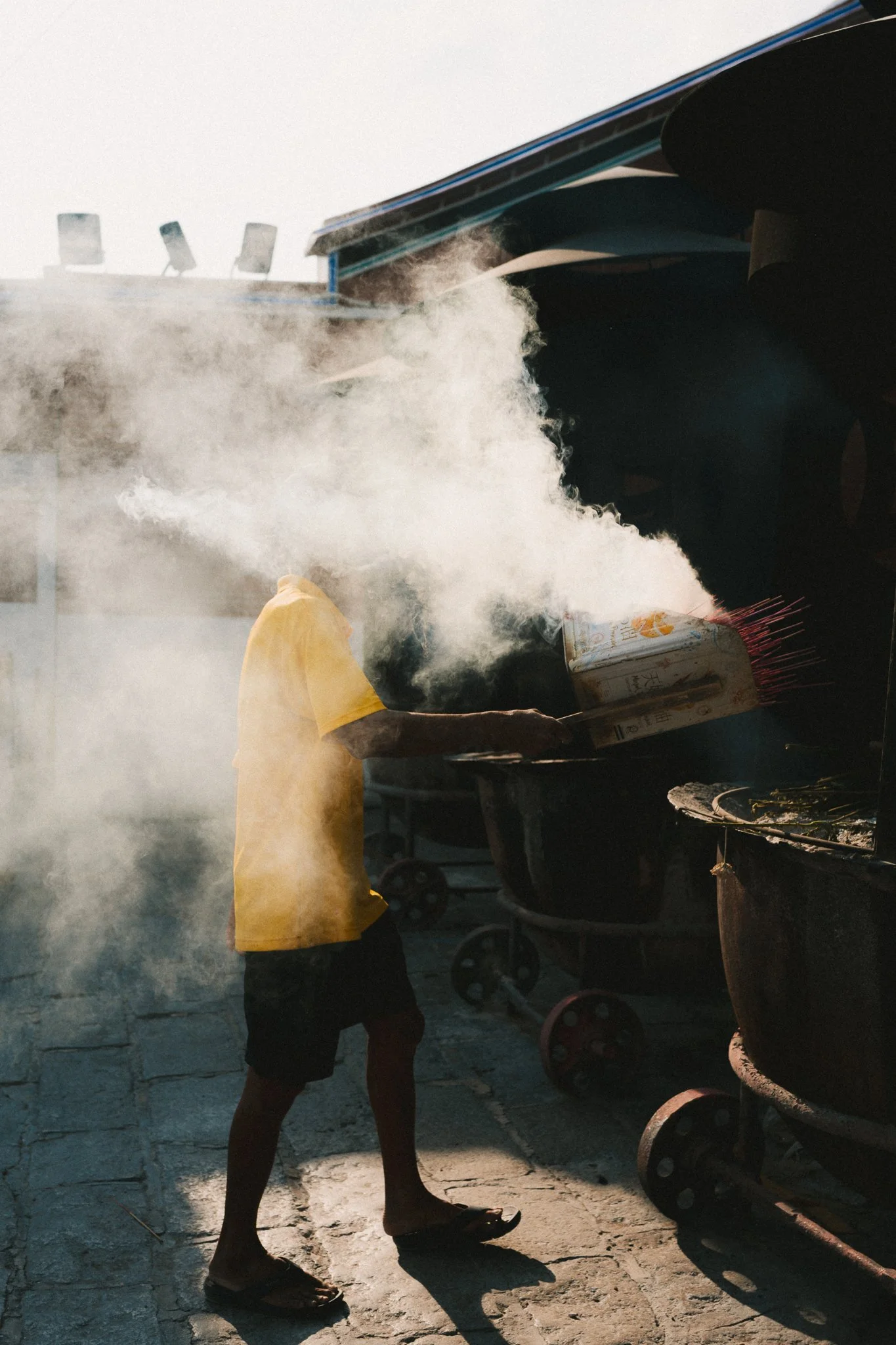 Image 10 of 13
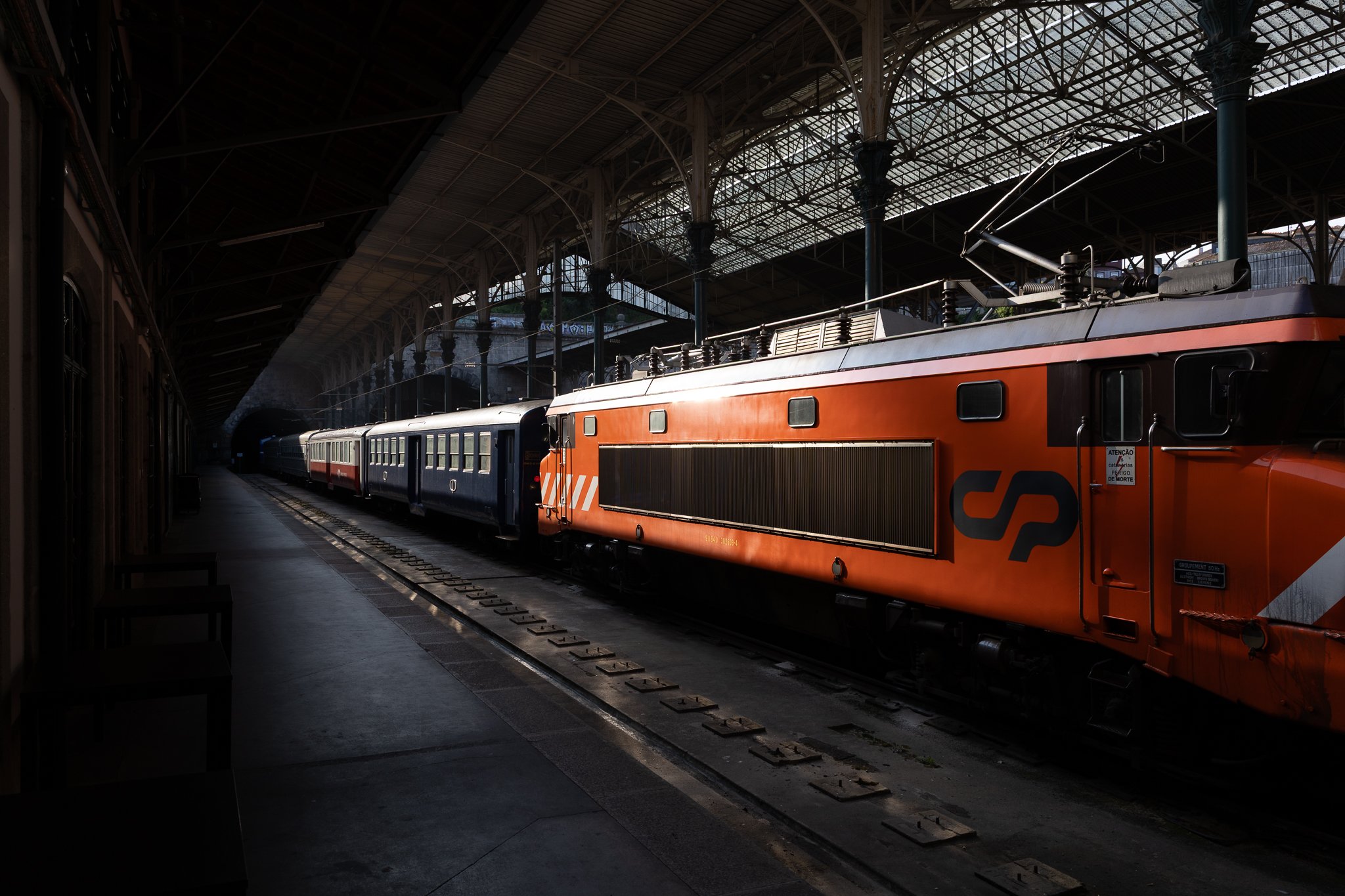 Image 11 of 13
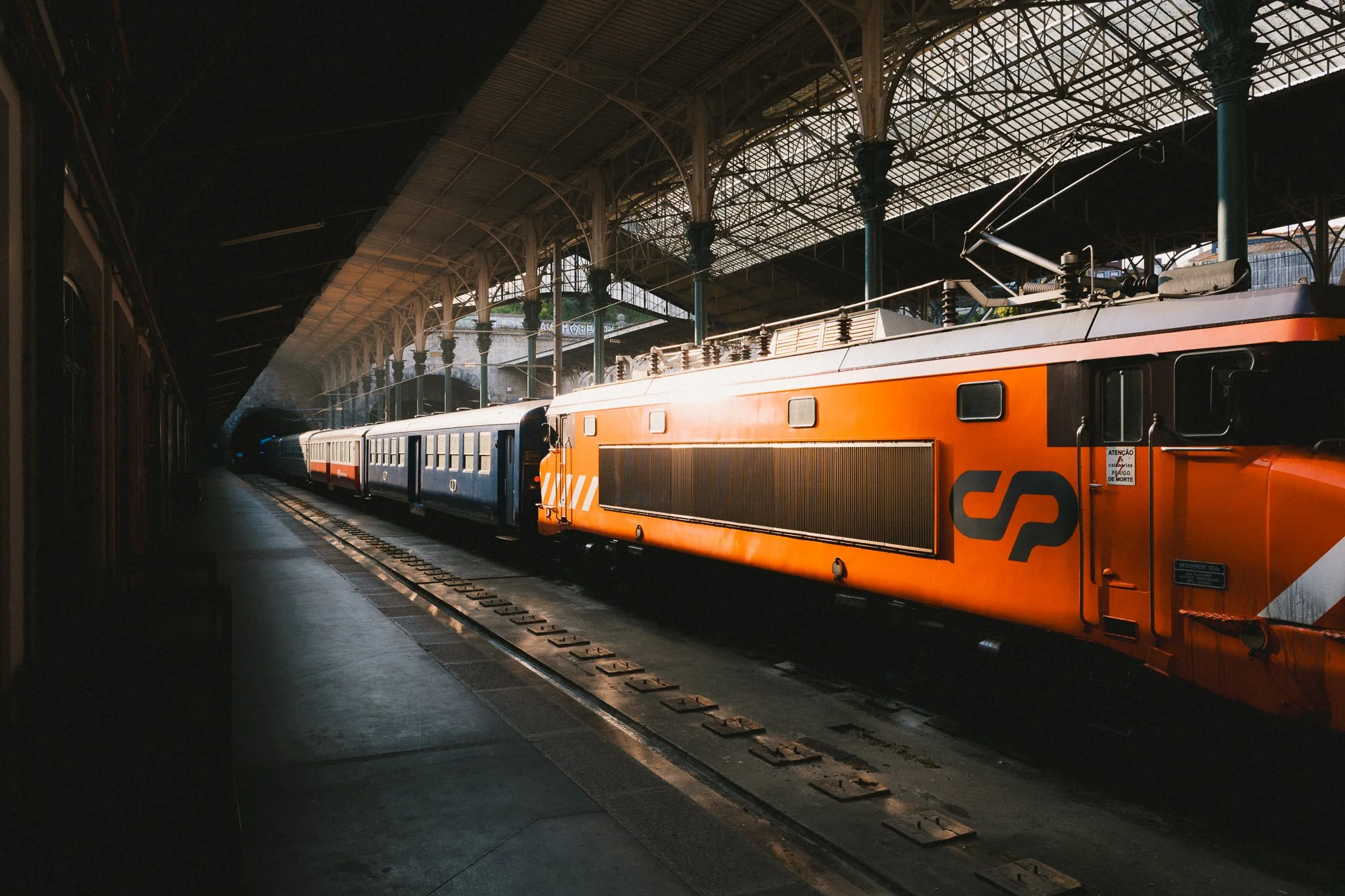 Image 12 of 13
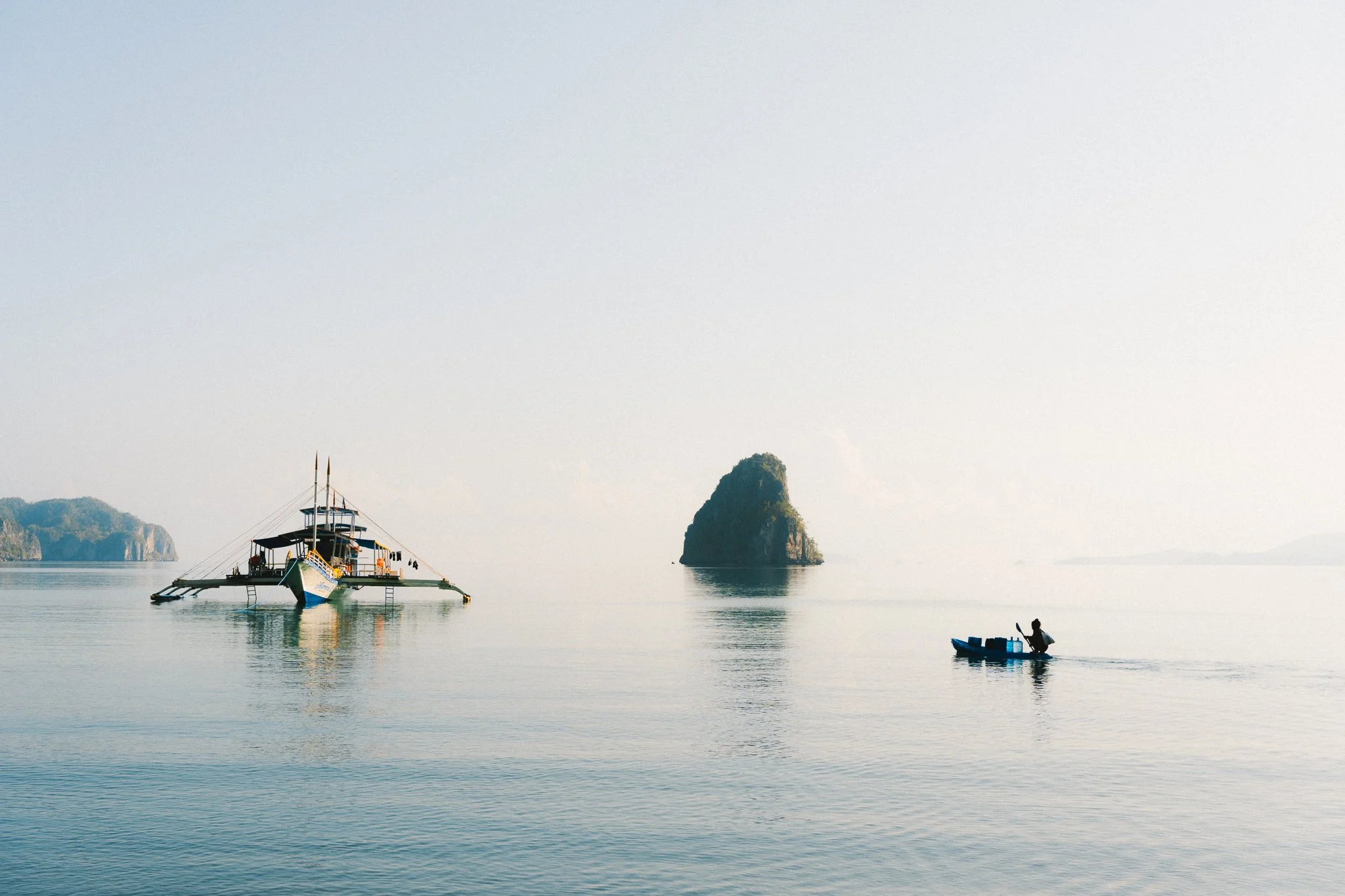 Image 13 of 13